Concept
Many operating systems have interesting ideas, but overall they feel rough.
Zenned was created to make the overall experience of using a computer as polished and straightforward as possible.
Zenned takes unconventionally simple approaches to solve difficulties that have always existed with technology.

Design
Most desktop environments fall into two extremes. Either they are simple but limited, or highly configurable and complex.
Zenned takes a different approach. It provides a minimal desktop, but it allows adding and configuring as wanted.
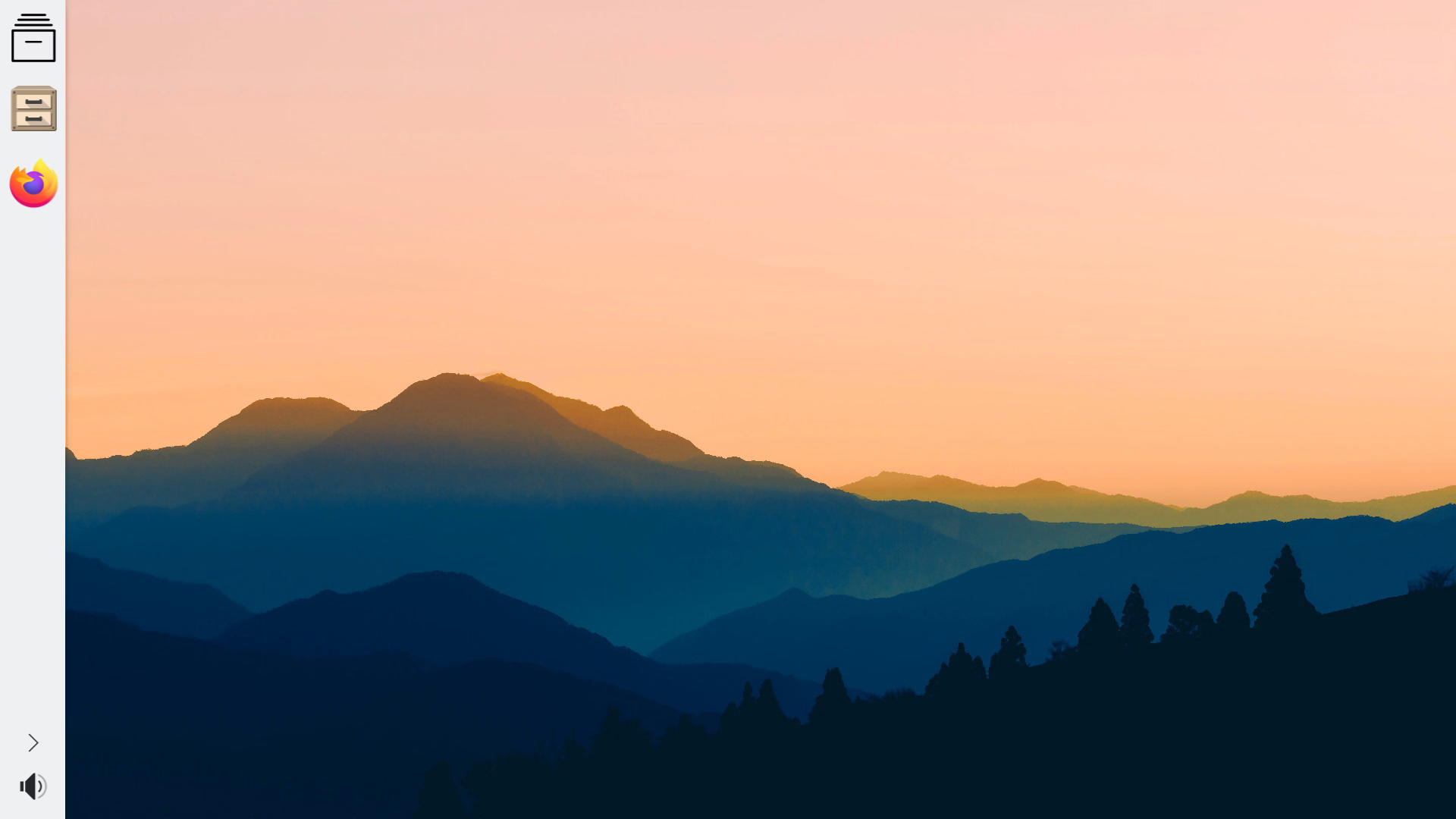
It provides one single best option, but it allows selecting anything else. It displays only what you’re using at the moment, or what you need constantly, and hides everything else.
This way the desktop is minimal and intuitive for any kind of person, yet flexible and capable for the most advanced user. It just works, but it can work exactly as you wish.
Based on KDE Plasma, there are an infinite amount of themes, color schemes, icons, cursors, sounds, and plasmoids you can choose from.
Speed
Most systems are either designed to support the latest and greatest hardware, or to have an old-looking style.
Zenned works well with old hardware, yet it has a modern style. Since it is minimalistic, it is fluid even on underpowered computers.
Some systems also try to micro-optimize CPU performance. But that rarely results in a tangible gain, maybe a couple of frames-per-second, while requiring multiple packages for multiple CPU types. This makes the OS maintenance unnecessarily complex, and ultimately more prone to errors.
Zenned instead optimizes the actual most common bottleneck of performance: IO. Storage, memory and wasted resources.
Aspects like the scheduler, file-system and zram are tuned to have low latency. So when you click on something it responds instantly.

Software
Most systems have a limited set of applications. These are frequently outdated, require upgrading them manually, are split over unofficial repositories, and are offered as-is with all the sharp edges.
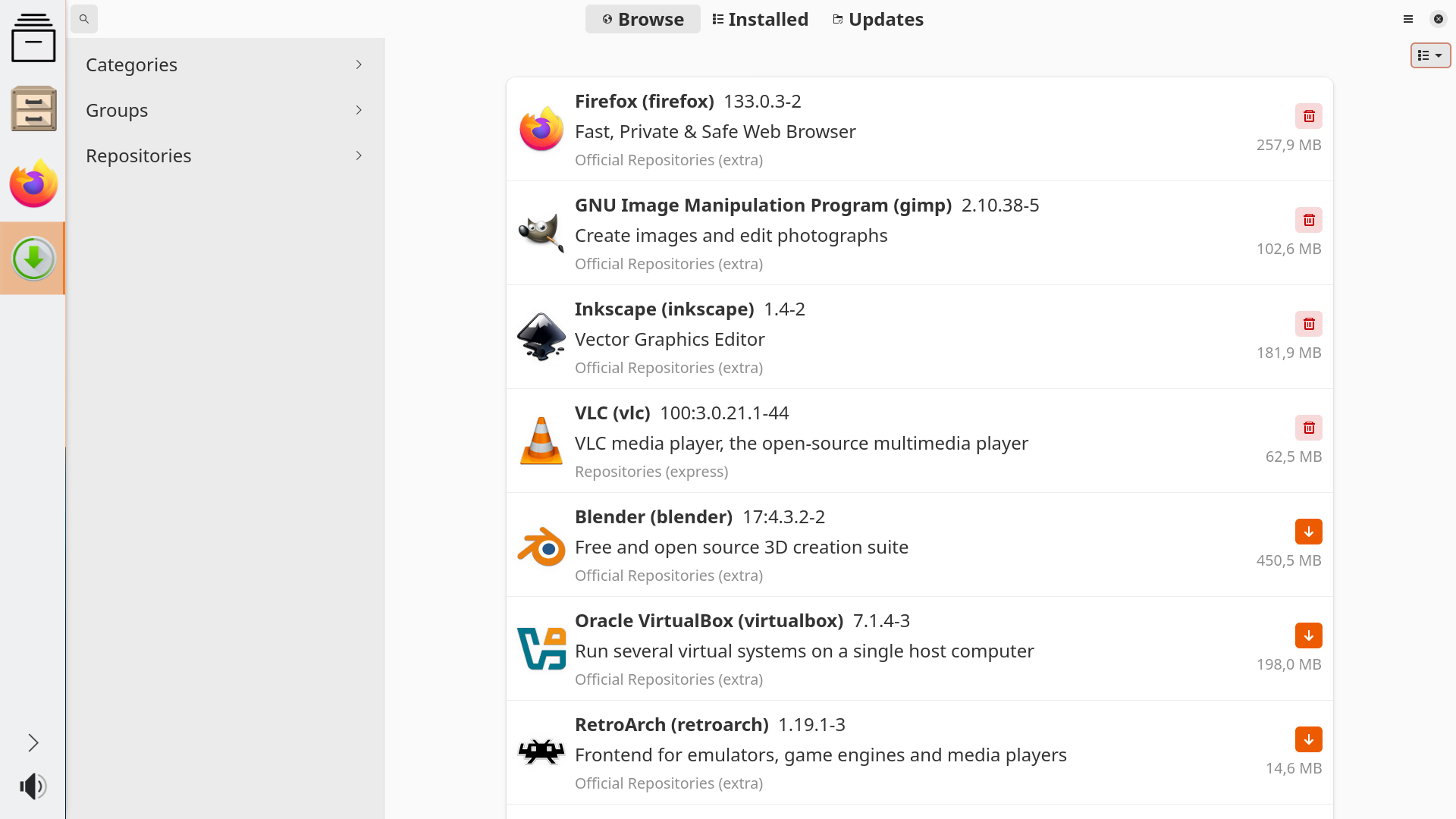
On Zenned packaging new apps, and custom-improved configurations for them, is extremely easy. It offers all the packages on Arch Linux, along with a custom software repository called Express.
Zenned automatically keeps all the software upgraded to its latest stable version, solves automatically most upgrading errors, and notifies you if anything with the upgrades requires a manual choice.
In practice this means that you have almost any libre software that exists, on its latest version and with improved configurations, right away from a single software center.
Packages are just lightweight archives. Not bloated Snaps, Flatpaks or AppImages. With potentially outdated libraries inside of them, an unnecessary virtualization layer, or complex permissions for being able to interact with the rest of applications.
Packaging
On any other system getting your software published is a tedious task. It requires lengthy processes, constant manual maintenance, and usually convincing other people to accept your ideas. Frequently these people are not quite open to accept any proposal that doesn’t fit their views of the world.
Zenned doesn’t ask you to fit anyone else’s view of the world. As long as it isn’t harmful, you can publish anything you want.
The tooling makes the process as straightforward as possible and, at the same time, automatically detects mistakes and errors.
Any package is confirmed to come from the project it names. But from that onwards anyone can do whatever they want.
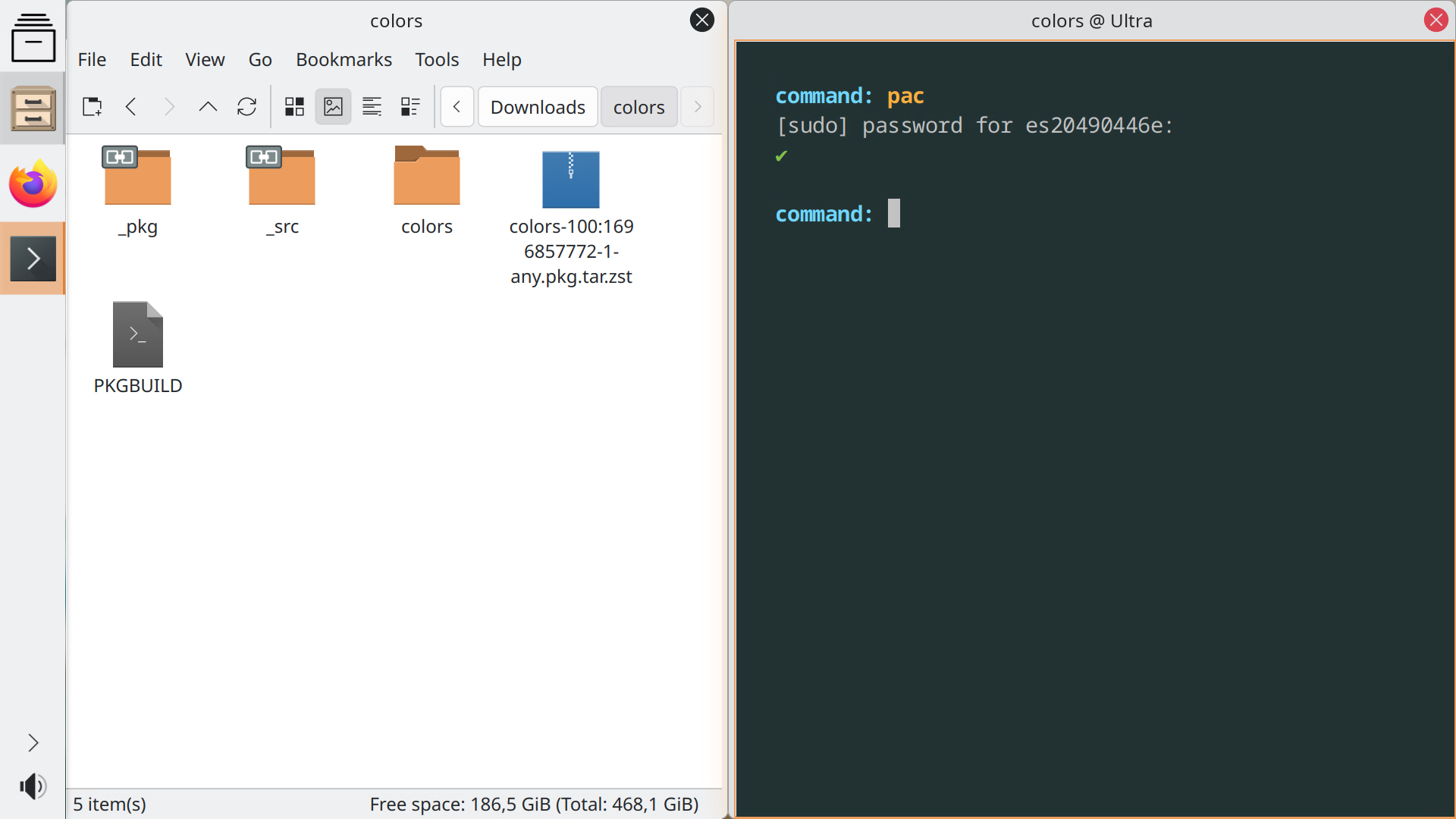
Once you have your package recipe accepted, which is usually instant, an automatic system takes charge of building it, upgrading it on a new version, and orchestrating all the dependencies and shared libs to fit well together.
Quality
Most systems are plagued with errors. This is the natural consequence of processes being difficult, slow, unpolished and bureaucratic.
To compensate for the fragility, these systems delay upgrading all the software for months or years until they are sure that at least the basics don’t break down.
Paradoxically this approach makes the system even more fragile. When a system upgrades often, and it has a proper strategy to detect and fix errors, it is easier and quicker to fix.
It is also more motivating to improve any software, and being able to see it published in a few days, than having to wait a couple of years to be accepted. This latter approach subtly discourages people from improving anything.
Hence Zenned upgrades any piece of software as soon as it has a stable version published. To ensure this is done properly, it applies the methods from Lean Manufacturing, the world-famous quality system invented by Toyota.
Everything is continuously upgraded with fixes and improvements. And the build system automatically detects all sorts of errors.
If any error is detected in any package, it doesn’t get upgraded. Further development of the OS is frozen until all errors are solved.
The package manager, and the upgrading software, work independently from the rest of the system. If anything ever goes wrong, an upgrade can fix the system even if basic components are broken.

Security
On proprietary systems, when you install an app you must trust that it is well-intended. For every single one.
Any app that you install usually has great privileges to do anything it wants. Usually the creators of these apps are tempted to exploit this access against the user’s best interests.
It can be as extreme as installing a virus, but it can be as subtle as installing features that the user doesn’t want. Like invasive ads, telemetry, blocking legit uses, installing extra software from a sponsor, or programming it to be addictive and distracting.
Zenned is made of libre software. Software whose code is public, so everyone is allowed to study it and use it as they like. Hence people own the software, and keep healthy control over their technology.
Zenned blocks cookies, ads, espionage, notifications and distractions by default. Also Zenned default configs are security-hardened, and explicitly tells you if something is insecure.
For example if you try to enter a super-common password, it will tell you it is a weak one. If your firmware security is weak it will highlight in what ways, or if your storage is starting to fail it will notify you.
Finally Zenned lets you sync and back up files with any other device, with no cloud subscription needed.

Games
On systems based on libre software you usually need to make custom configurations for every game you want to play. Or you need to tweak extra components of Wine to get proper performance, support for multimedia, and being able to mount virtual disc drives.
On Zenned all of this is automatic. exeCute allows running any Windows and MS-DOS game with optimal settings, just by clicking on it. And it also allows mounting any disc image on a virtual drive, just by clicking on it.
exeCute automatically enhances graphic performance, and MIDI music quality. Zenned features the widest range of emulators for all kinds of gaming platforms of all time.
On libre systems support for NVIDIA GPUs, and especially for Optimus laptops, is inconsistent.
Zenned packages the latest NVIDIA Open drivers, and makes enhancements on them so Optimus works out of the box. Zenned is also the maintainer of Optimus Manager.
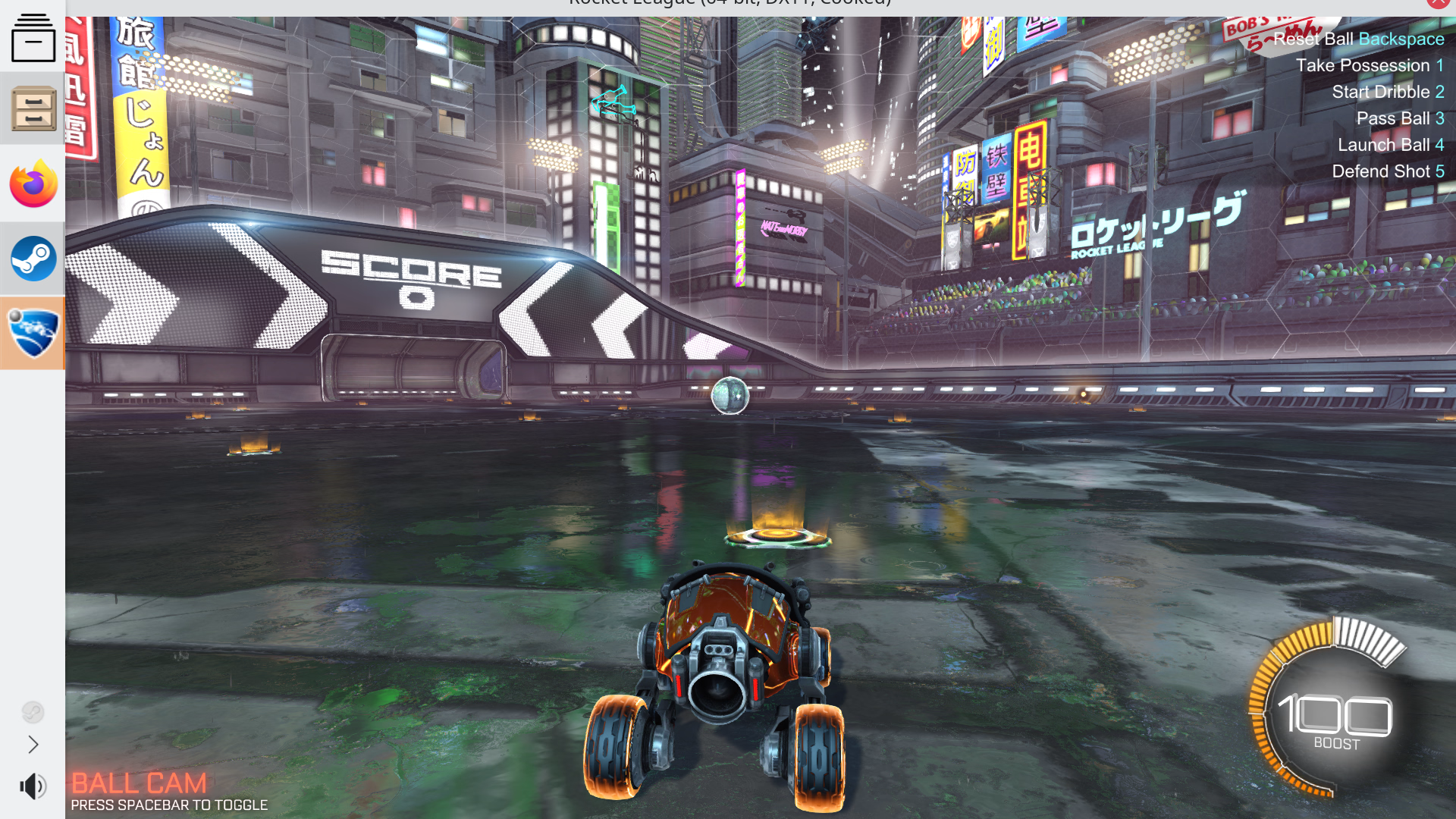
Zenned packages a version of Steam that is improved to be as robust and reliable as possible. It can play any game that works on the Steam Deck. Furthermore it packages proton-ge, which provides enhanced support for multimedia on Steam.
Zenned doesn’t work with games that use kernel anti-cheat. This is by choice. Doing so would allow any game developer to gain total control over your system.
Multimedia
Most systems have just basic support for multimedia, and content-creation workflows.
Zenned comes with tooling for professionally calibrating the display and the speakers to maximum fidelity.
By calibrating the display you can turn the most basic display into a high-end one, and by calibrating the speakers you get objective accuracy for your mixes.
Furthermore Zenned comes with an audio processor, which features all kinds of audio tuning. From realistic virtual 3D sound, to a large collection of effects.
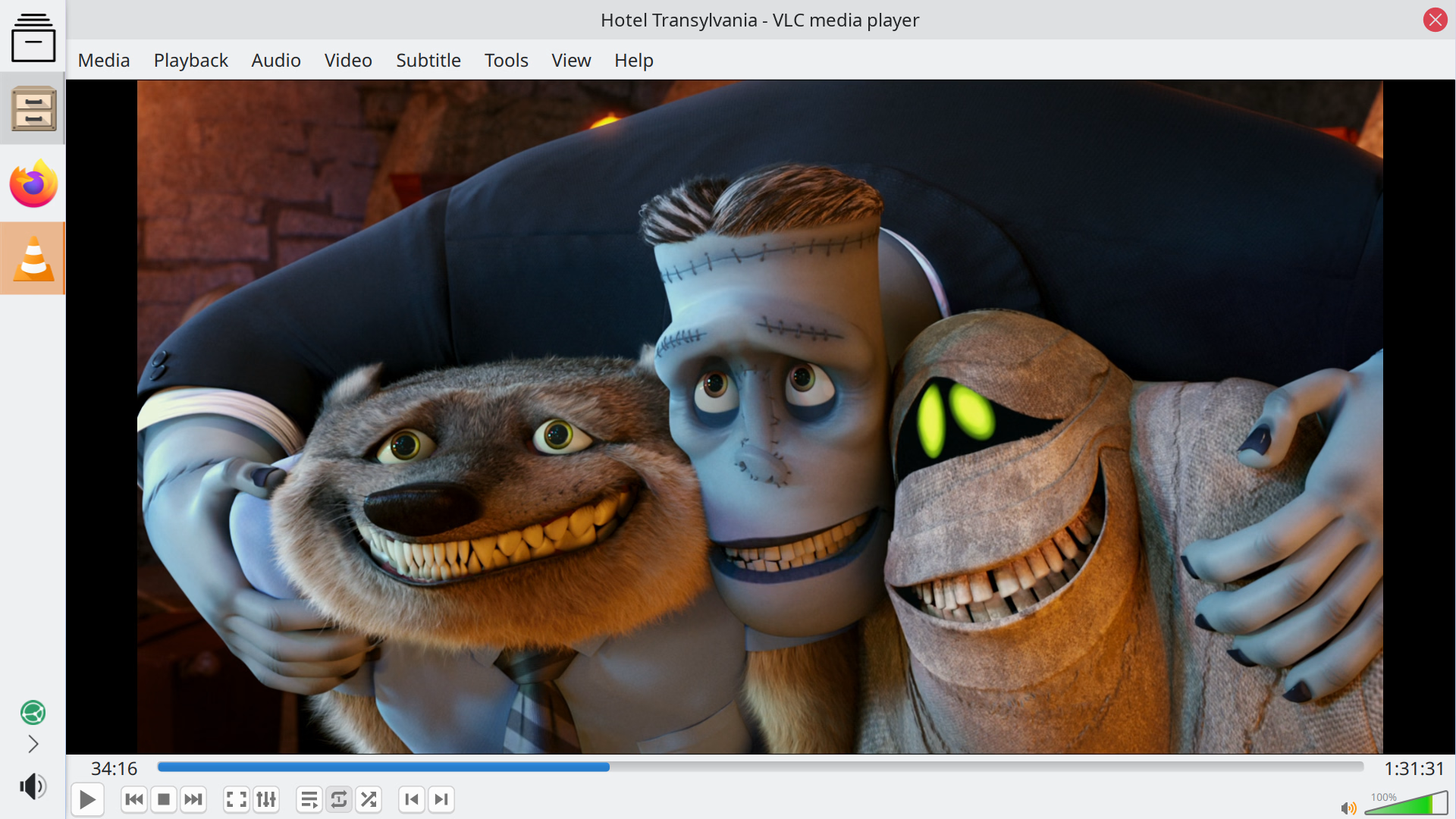
Zenned supports any multimedia format out of the box, along with any streaming service.
Office
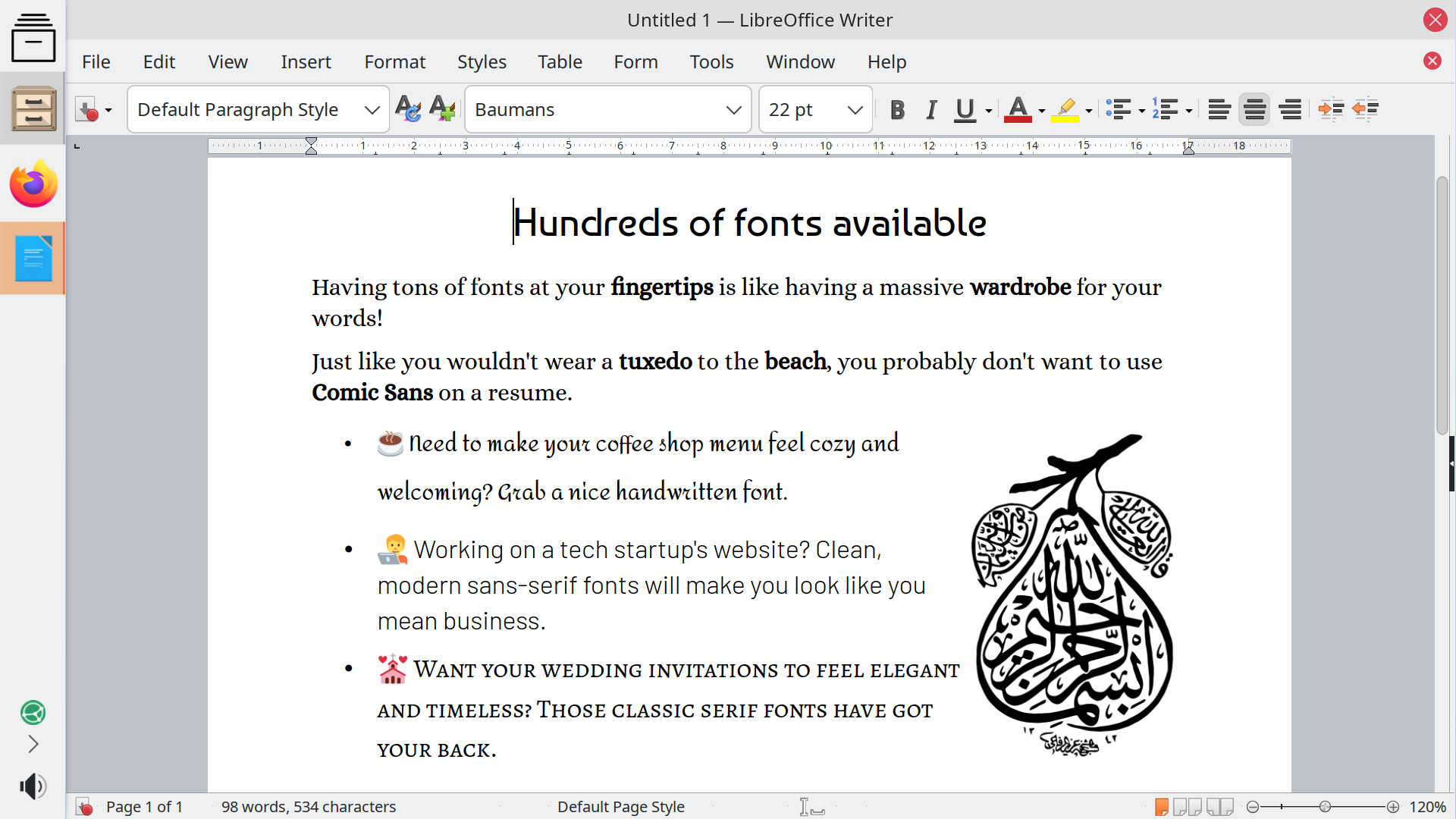
Most systems offer a complex, basic office suite. With a few fonts, and broken emoji.
Zenned offers a simplified version of LibreOffice, which only exposes the buttons that are truly useful. And anything else is in the menus.
It features all the fonts on Google Fonts, and all emoji work out of the box.
It can open any office document format, and use almost any printer and scanner.
Installation
Zenned works on almost any personal computer.
Moreover it can be run from USB without installing anything.
Only when you are convinced that you like it, you can install it into your computer. It can even be installed alongside any other OS, although for most people it is more convenient to have a single one.
And if for any reason, after install, you decide you want something else, the USB allows you to easily set up any other operating system, just by copying its ISO file into it.